- Company
- Profile Guide
- How to change the account password
Trading Password Reset
Forgot your trading password? - No problem. We will recover very quickly.
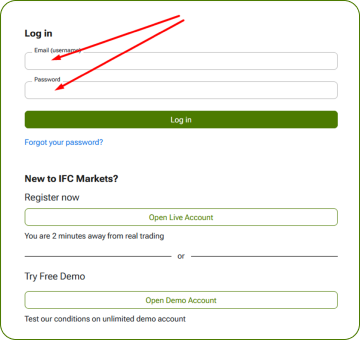
1. On our website press “Login”.

2. Enter your email and profile password (which you created during registration) and click “Log in”.
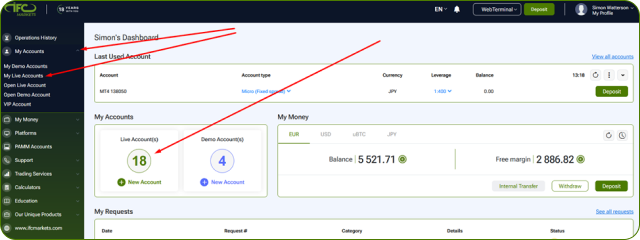
3. In your Profile press “My Accounts” - “My Live Accounts” or click the Widget on the Dashboard.
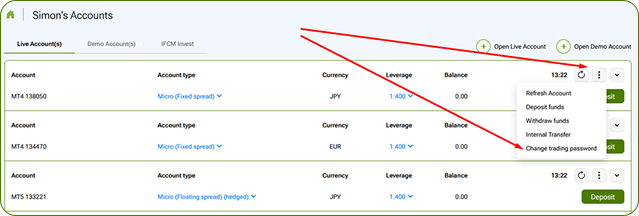
4. Click “Three dots” menu and select “Change trading password”.
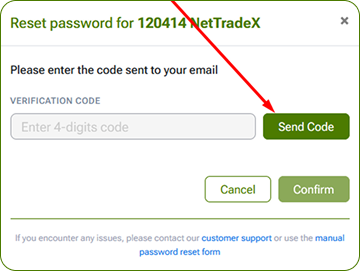
5. Click “Send Code”.
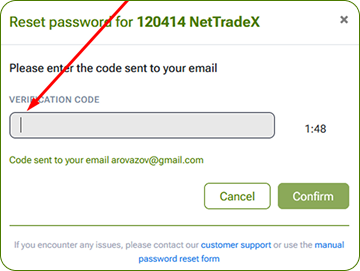
6. Enter the code you received by email and click “Confirm”.
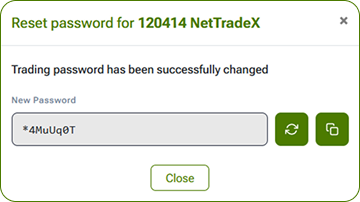
7. Here is your new Trading password. Please save it in a secured place.